Vibe coding is an emerging approach to software development that combines voice dictation, AI assistance, and a more relaxed coding workflow. Instead of typing every character, you describe what you want to build and let AI help bring it to life.
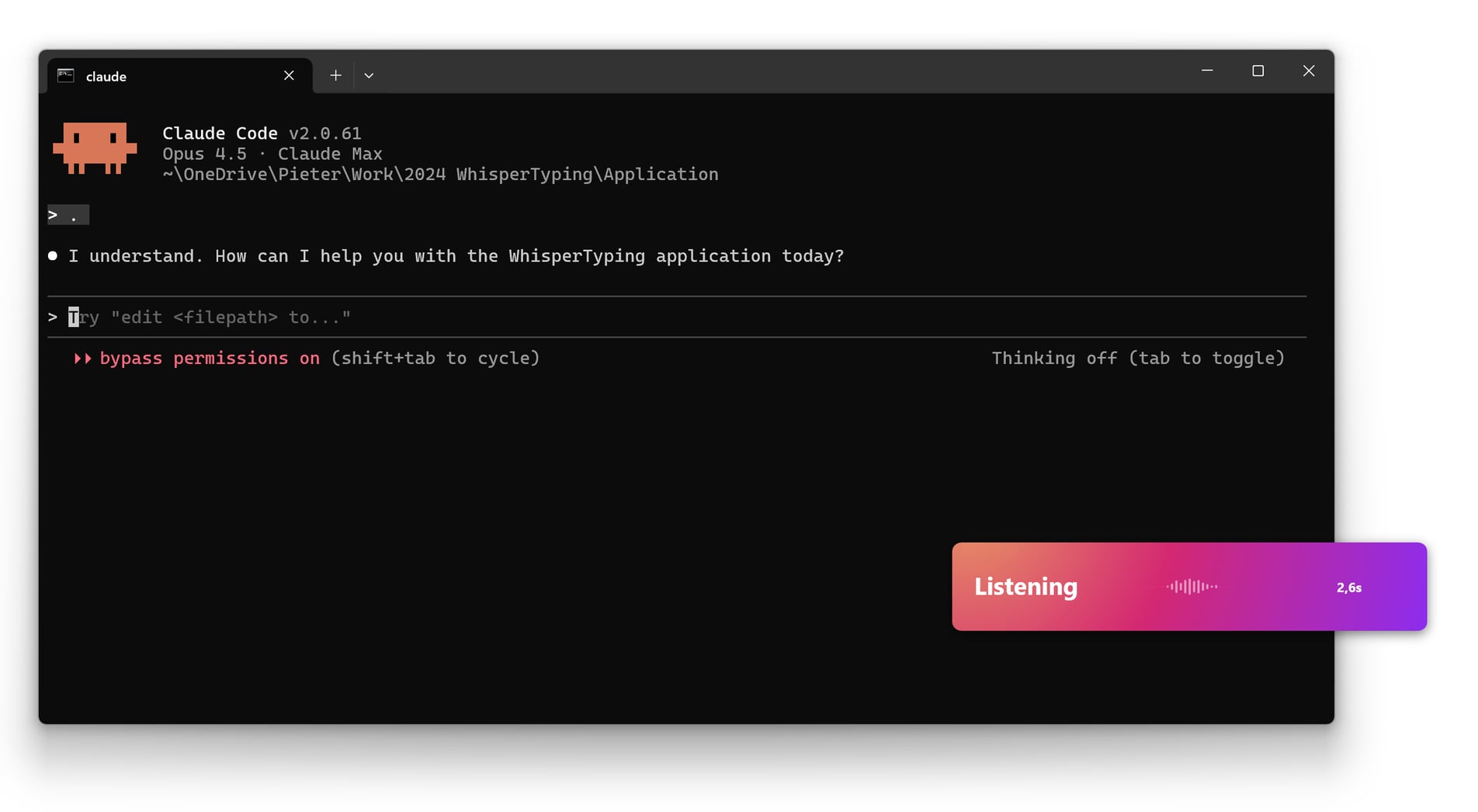
What is Vibe Coding?
Vibe coding isn't about replacing traditional coding - it's about augmenting it. The idea is to:
- Describe what you want to build in natural language
- Let AI generate initial code or suggestions
- Refine and iterate through voice commands
- Maintain flow without breaking concentration to type
It's particularly effective for prototyping, writing boilerplate, and exploring new ideas when you want to move fast without getting bogged down in syntax.
How Vibe Coding Works with WhisperTyping
WhisperTyping enables vibe coding on Windows through several integrated features:
Voice-to-Text in Your IDE
WhisperTyping works in any application, including VS Code, Visual Studio, JetBrains IDEs, and any other code editor. Press your hotkey, speak, and your words appear in the editor.
AI Write Mode for Code Generation
Use WhisperTyping's Write mode to generate code from descriptions:
- "Write a React component that displays a user profile card with avatar, name, and bio"
- "Write a Python function to calculate compound interest"
- "Write a SQL query to find customers who haven't ordered in 30 days"
GPT-4 generates the code and types it directly into your editor.
Rewrite Mode for Refactoring
Select code and use Rewrite mode to transform it:
- "Rewrite this with better error handling"
- "Rewrite this using async/await instead of promises"
- "Rewrite this with TypeScript types"
- "Rewrite this more efficiently"
Answer Mode for Quick Lookups
Get instant answers without leaving your editor:
- "Answer: What's the syntax for a Python dictionary comprehension?"
- "Answer: How do I center a div with flexbox?"
- "Answer: What's the difference between let and const in JavaScript?"

A Vibe Coding Workflow
Here's what a vibe coding session might look like:
-
Start with the big picture:
"Write the basic structure for a Node.js Express API with routes for users, products, and orders"
-
Fill in the details:
"Write the user authentication middleware using JWT tokens"
-
Iterate and refine:
Select the generated code, then "Rewrite this to handle token expiration gracefully"
-
Add documentation:
"Write JSDoc comments for this function"
-
Debug with AI:
"Answer: Why might this async function be returning undefined?"
Best Use Cases for Vibe Coding
Vibe coding shines in certain scenarios:
Prototyping and MVPs
When you're exploring an idea and want to move fast, vibe coding helps you get something working quickly without obsessing over every detail.
Boilerplate and Setup
Configuration files, project scaffolding, and repetitive code patterns are perfect for voice + AI generation.
Learning New Technologies
When working with unfamiliar frameworks or languages, describe what you want and let AI show you the idiomatic way to do it.
Documentation
Dictate documentation, comments, and README content. Speaking naturally produces clearer explanations than tersely typed notes.
Start Vibe Coding
Ready to try a more relaxed approach to coding? Here's how to get started:
- Download WhisperTyping
- Set up a comfortable hotkey (many developers use F1 or Scroll Lock)
- Add your programming vocabulary (framework names, libraries, technical terms)
- Start with low-stakes tasks like documentation or configuration
- Gradually expand to more code generation as you get comfortable